Lab: two LANs, and the second route nobody adds
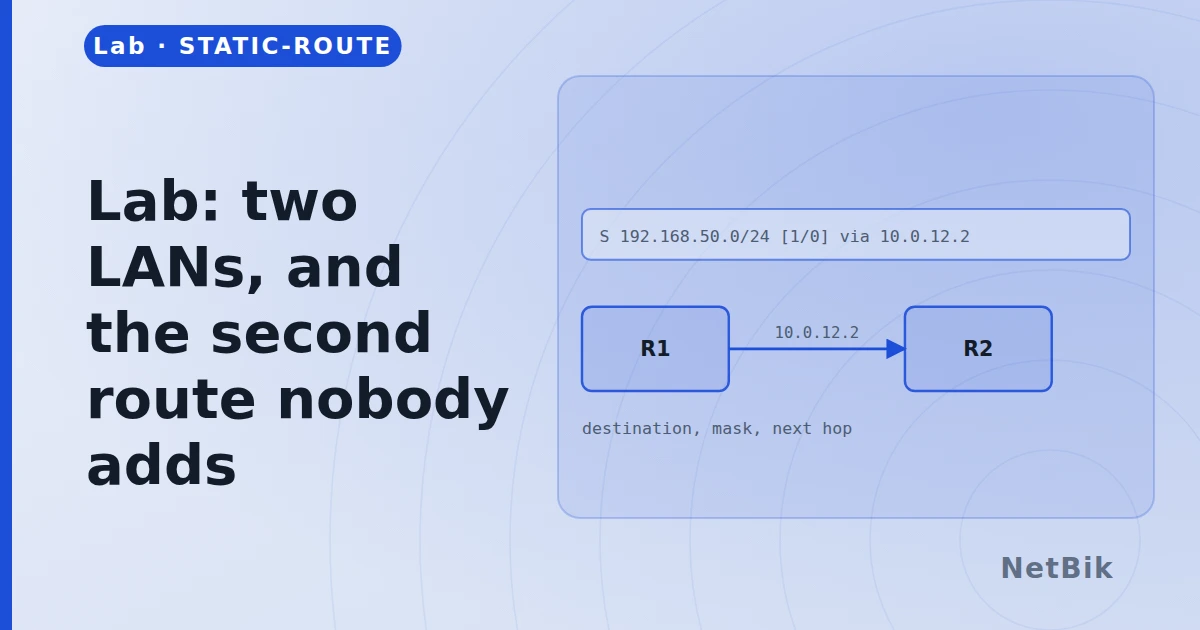
Two routers, two LANs, and the lesson that routing is one-directional. Fifteen minutes.
Two routers, a LAN behind each, and a link between them. Both PCs can reach their own gateway and nothing else. Your job is the link in the middle and the two routes.
What you are given
PC0 is on 192.168.1.0/24 behind R1. PC1 is on 192.168.2.0/24 behind R2. The link between the routers has no addresses on it yet.
Do this
- Address both ends of the router-to-router link out of 10.0.0.0/30.
- On R1, add a route to 192.168.2.0/24 via R2.
- Ping from PC0 to PC1. It will fail.
- Work out why before reading on.
- On R2, add a route to 192.168.1.0/24 via R1.
- Ping again.
The point
The first ping fails because R1 knew how to deliver it and R2 did not know
how to send the reply back. The echo request arrives; the echo reply has
nowhere to go. show ip route on R1 is entirely correct and entirely
irrelevant to the problem.
That is the single most useful habit this lab can leave you with: when something only works one way, look at the other end.
Try breaking it
- Point the route at the interface instead of the next hop and watch the ARP
- Add a second, worse route with a higher administrative distance, then shut
Join the discussion
Replies, likes and bookmarks live in the community half, which needs a free account. This lab opens in the browser — no install, no plugin.
Open this in the communityEverything publishedHow this works