NAT overload: one address, a table, and how the reply finds its way home
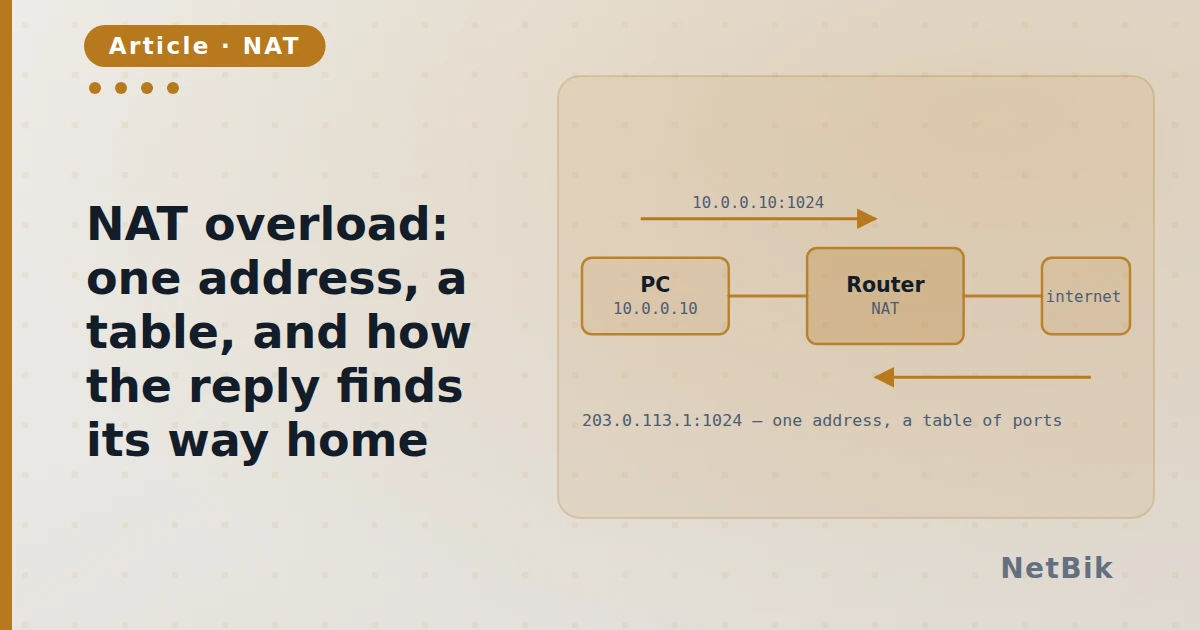
PAT is not address translation with extra steps — it is a table keyed on the port, and knowing that explains every "works outbound, fails inbound" ticket.
A branch has thirty hosts on 192.168.1.0/24 and one public address. NAT
overload — PAT — lets all thirty use it, and the thing that makes it work is
not the address at all. It is the port.
What the router writes down
When an inside host opens a connection, the router rewrites the source address to its own public one and rewrites the source port to one it has not used. Then it records the four-tuple:
R1# show ip nat translations
Pro Inside global       Inside local       Outside local     Outside global
tcp 203.0.113.5:1034    192.168.1.10:49152 93.184.216.34:80  93.184.216.34:80
tcp 203.0.113.5:1035    192.168.1.11:52311 93.184.216.34:80  93.184.216.34:80
Two hosts, one public address, two different ports. The reply comes back to
203.0.113.5:1034, the router looks up that port, and only then does it know
which inside host asked. The port is the key. The address carries no
information at all — every row has the same one.
Which is why inbound does not work
Nothing outside has ever sent anything, so there is no row, so there is nothing to look up and the packet is dropped. That is not a bug or an ACL; it is the mechanism. If you want inbound, you have to write the row yourself:
R1(config)# ip nat inside source static tcp 192.168.1.20 80 203.0.113.5 80
The three lines that are always the problem
R1(config)# access-list 1 permit 192.168.1.0 0.0.0.255
R1(config)# ip nat inside source list 1 interface GigabitEthernet0/1 overload
R1(config)# interface GigabitEthernet0/0
R1(config-if)# ip nat inside
R1(config)# interface GigabitEthernet0/1
R1(config-if)# ip nat outside
Four things have to be true and people usually get three:
- the ACL matches the inside network, with a wildcard mask, not a subnet mask;
- the
overloadkeyword is there, or you get one-to-one translation and the ip nat insideis on the interface facing the hosts;ip nat outsideis on the interface facing the internet.
Miss the last one and show ip nat translations is empty while everything
looks configured. The branch NAT lab in the simulator ships with exactly that
missing, so you can see what the symptom looks like before you ever see it on
a real box.
Join the discussion
Replies, likes and bookmarks live in the community half, which needs a free account. Writing here is free too, and everything is reviewed before it is published.
Open this in the communityEverything publishedHow this works